
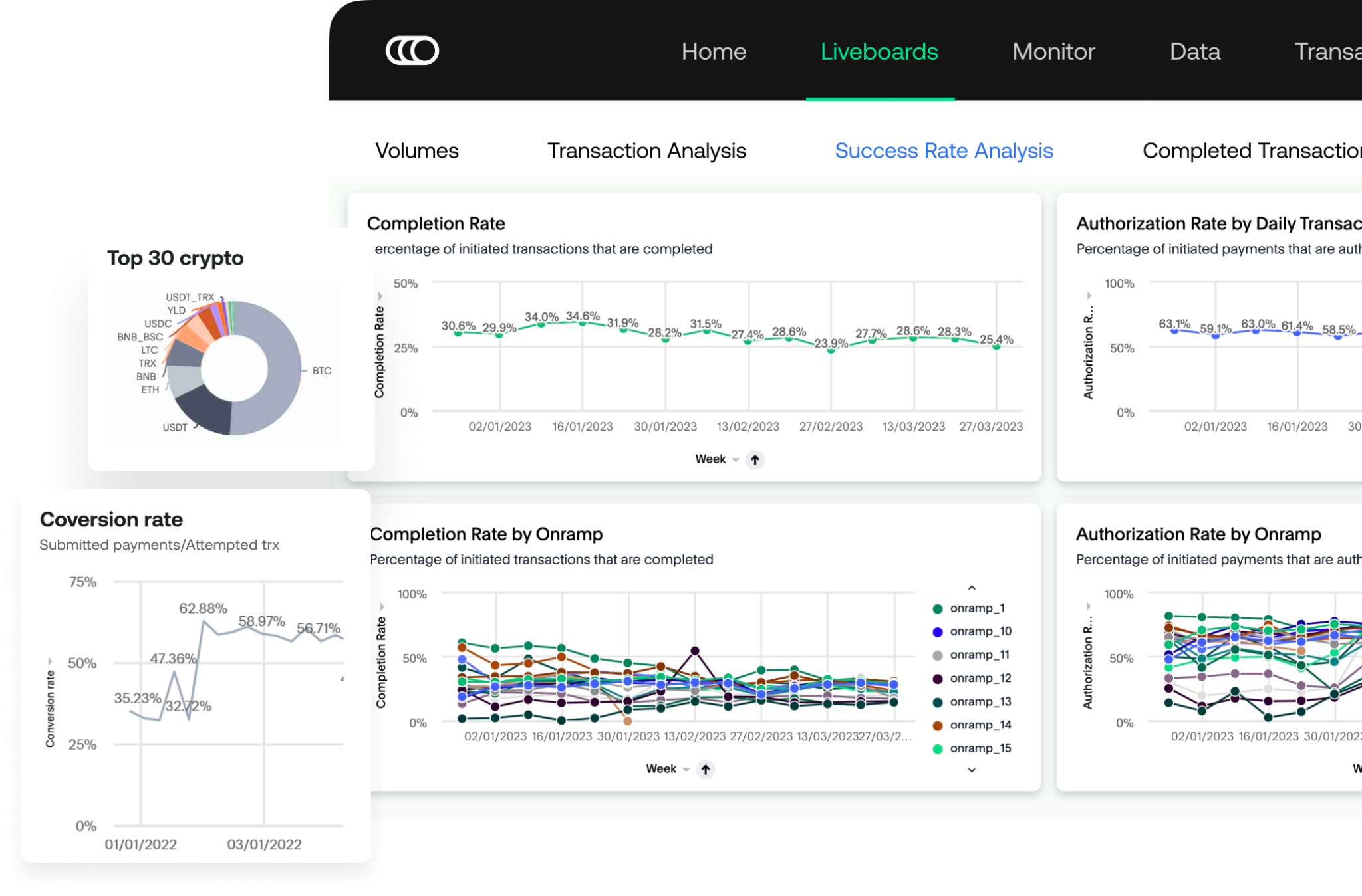
With any Onramper subscription, you gain access to Onramper Terminal, which provides comprehensive insights into your transaction volumes. This tool breaks down data by onramp, giving you a clear view of popular regions, currencies, and payment methods.
Premium Features:
Our premium subscriptions offer enhanced Onramper Terminal capabilities, including:
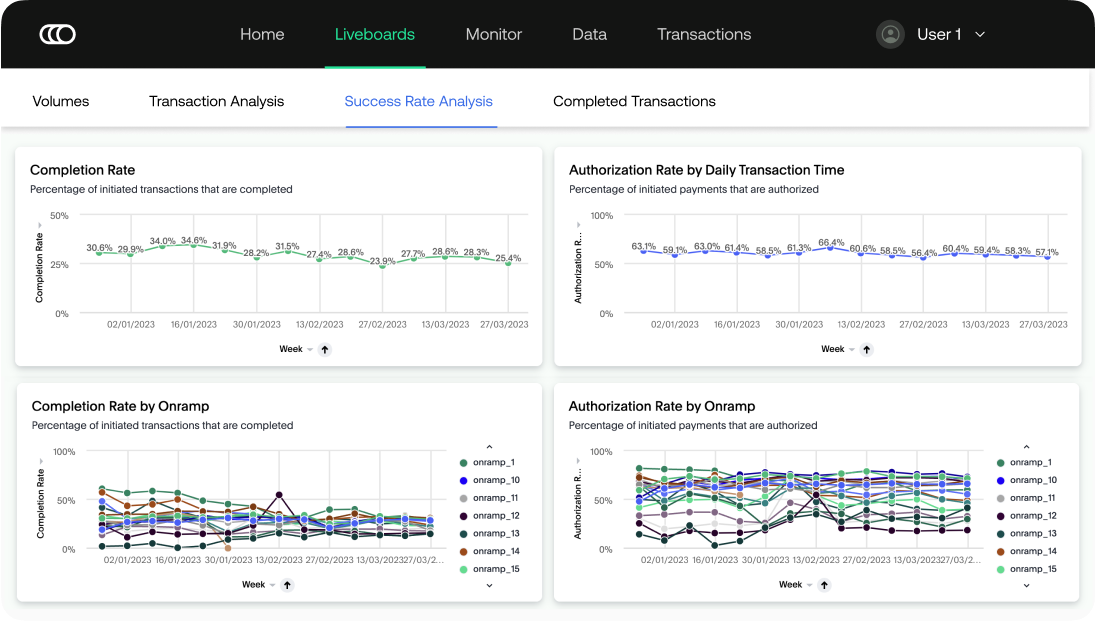
- Analyzing transaction success rates per onramp.
- Advanced data segmentation and filtering.
- Custom dashboard creation for tailored analytics.
How to access Terminal
You can enable it yourself, no need to contact us:
- Log in to dashboard.onramper.com.
- Go to Users.
- Select Invite yourself to Terminal.
Everyone on your API key gets the same standard level of access.
What you can see
Terminal shows your transaction volumes, counts, statuses, and breakdowns so you can track performance over time. Premium plans add extra capabilities such as transaction success-rate analysis, advanced data segmentation, and custom dashboards.
A note on data freshness
Terminal is not real-time — figures can lag by up to around an hour, so very recent transactions may not appear immediately.
Understanding "attempts" vs. completed transactions
An attempt counts a user who entered a provider's flow and then dropped off before finishing (recorded as both an attempt and an abandoned transaction). Because of this, your attempt count will normally be higher than your completed-transaction count — that's expected, not a discrepancy.
Not seeing any data?
If Terminal looks empty, it usually just means there are no transactions on that API key yet. Data appears once real transactions run on your production key.
Still stuck? Contact us at support@onramper.com.